Switching Galaxy Labs

 Saskia Hiltemann
Explains how to switch to Galaxy Labs (subdomains)
Galaxy offers different domain-specific views of its interface. These are sometimes called Galaxy Labs, or Galaxy subsites, or Galaxy subdomains.
This is the same Galaxy, but with a few differences:
- Different home page, containing information aimed at domain researchers
- Different tool bar, filtered for most useful tools for that domain
- You may have to re-login, you do this with the same account as always, and you can access all your existing histories etc from any subsite.
-
On the top menu bar, on the right, click on the “switch sites” icon, galaxy_sites or galaxy_sites2 depending on the version of Galaxy

- Select the Lab you want to start using
- The options will be different per Galaxy instance
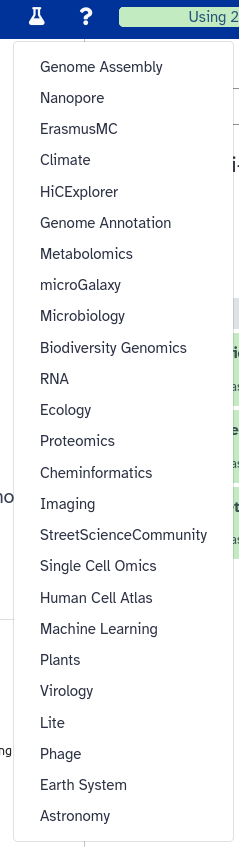
-
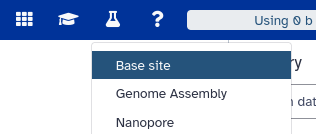
You can always switch back to the main Galaxy site by selecting “base site” in this list
Persistent URL
Resource purlPURL: https://gxy.io/GTN:F00506Still have questions?
Gitter Chat Support
Galaxy Help Forum